

Help Save a Life!
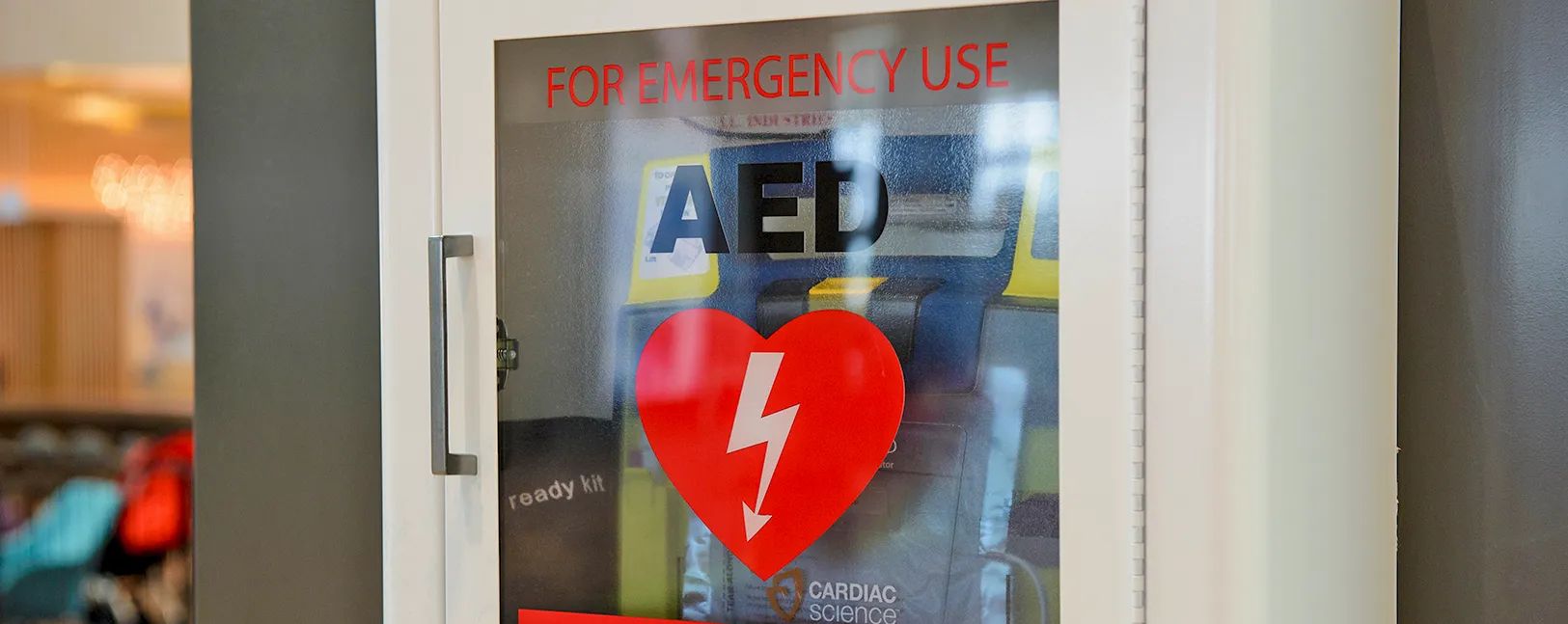
Does your business or office have an Automated External Defibrillator (AED)? Registering your AED with PulsePoint could save a life during a cardiac emergency. The PulsePoint AED app allows users to register publicly available AEDs, which can be located on a map in the app for quick access when needed.
Why Should You Register Your AED?
When a sudden cardiac arrest occurs, every second counts. The PulsePoint Respond app, connected to 9-1-1 dispatch, alerts trained citizens and nearby responders of the event. When you register your AED, it’s added to a public map accessible to these responders, helping them quickly locate your device when every second matters.
How It Works:
- PulsePoint Respond is a 911-connected mobile app that alerts willing, CPR-trained citizens to nearby sudden cardiac arrest events.
- When GFD receives a call about a cardiac emergency, the app simultaneously sends alerts to PulsePoint subscribers nearby. The alert includes the victim’s location and the nearest AED.
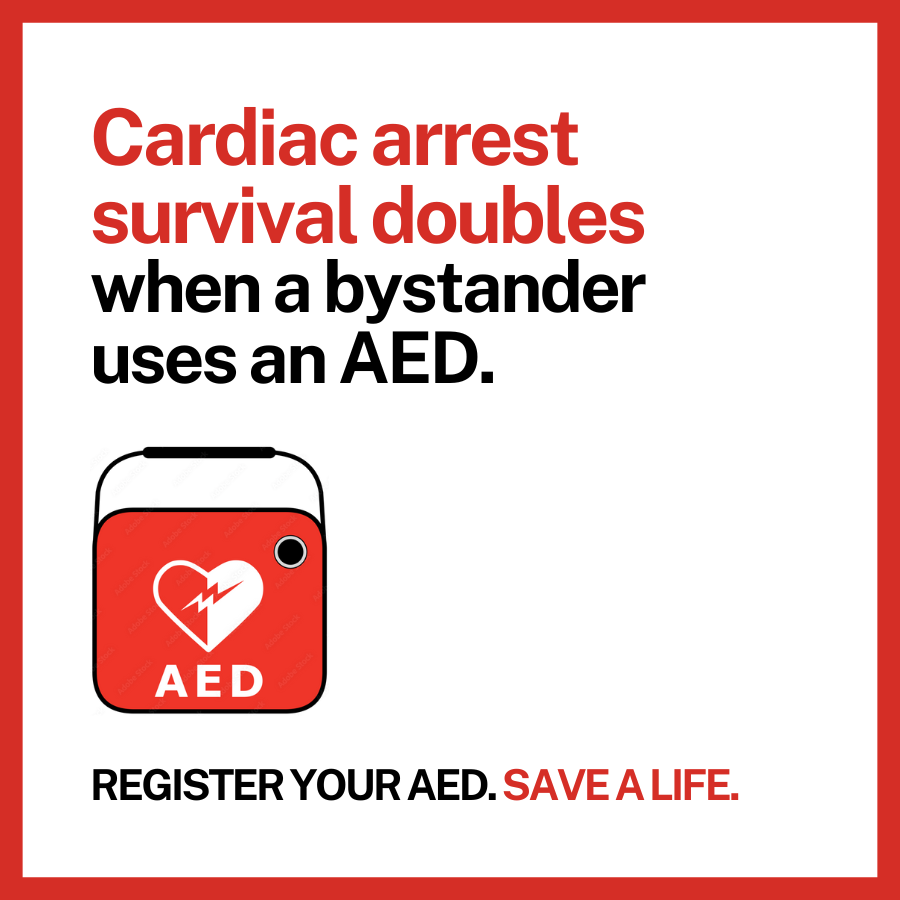
- Rapid CPR and early AED use significantly increase the chances of survival.
How to Register Your AED
It’s simple to add your AED to the registry. Whether you’re a business, office, or organization, you can quickly register your AED at the PulsePoint AED Registry.
If your business doesn’t have an AED yet, but would like to make a pledge to install one or host an AED donated by another party, you can also participate in this initiative to improve public safety. Contact chief@girdwoodfire.com for more information.
Learn More About PulsePoint
For more details about how PulsePoint Respond works, including the ability to receive emergency alerts and stay informed about local events, check out the PulsePoint Fact Sheet and the PulsePoint Website.
Every second matters in an emergency. By registering your AED, you’re helping ensure that the right equipment and assistance are available when needed most.